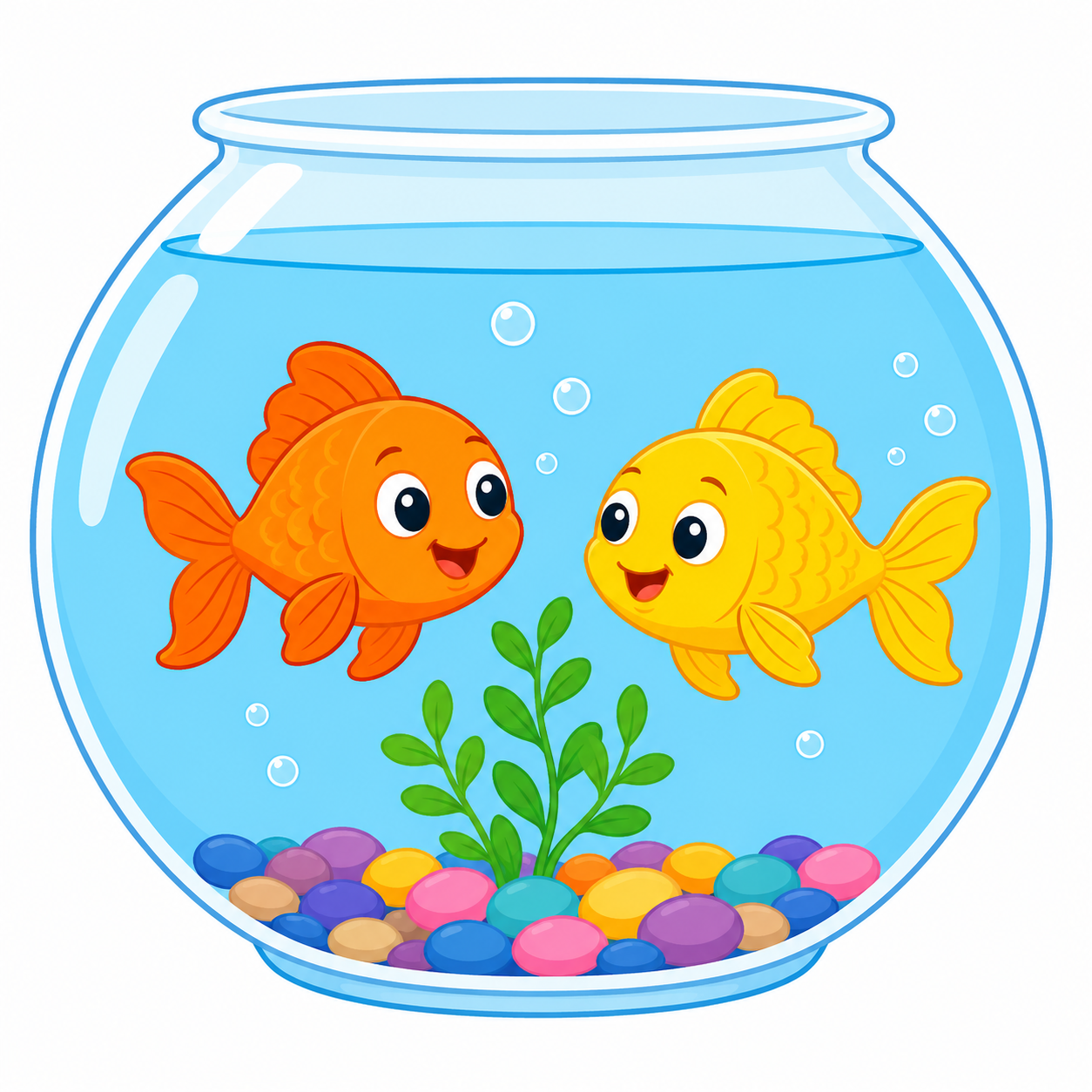
Upload your image
Start with any image, such as a portrait, pet photo, flower, illustration, sketch, or simple landscape. Your image becomes the source for your printable paint by number project.
CREATE PAINTABLE ART FROM IMAGES
Create paint by number guides from your images, then choose a numbered cell grid or a contour map for markers, fixed-color sets, or mixed paints using built-in or custom Color Sets. Upload an image, generate a printable guide, and make it by hand.


How it works
No technical setup. Upload an image and turn it into a printable paint by number guide, numbered grid, or contour map you can paint, color, and share.
Start with any image, such as a portrait, pet photo, flower, illustration, sketch, or simple landscape. Your image becomes the source for your printable paint by number project.
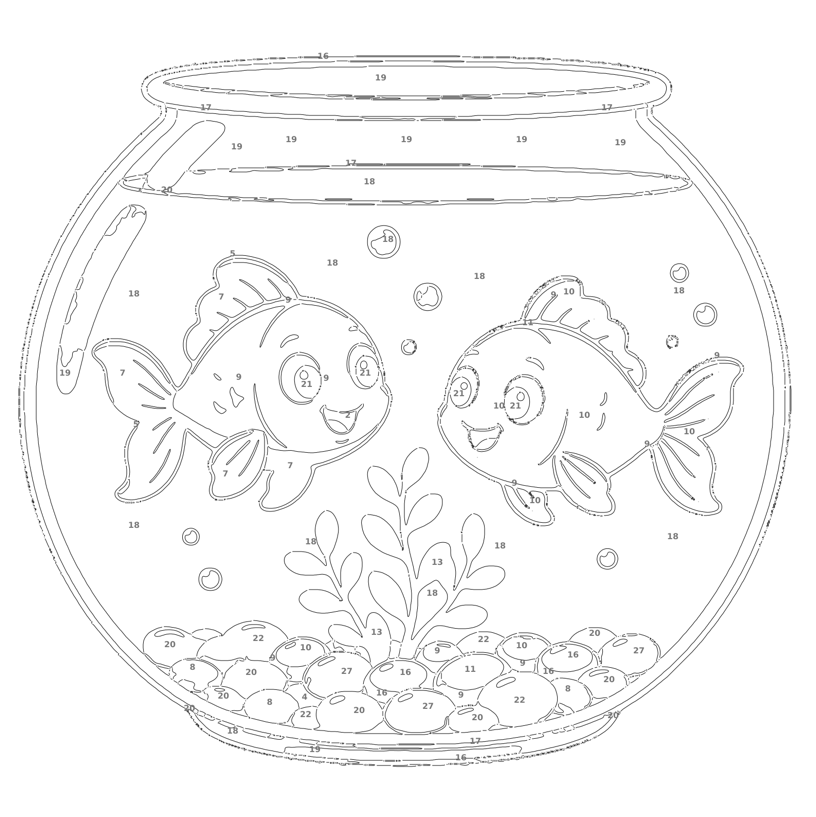
Choose a numbered grid or contour map, select a built-in or custom Color Set, and adjust the detail level. Image To Grid creates the printable guide and color legend for your workflow.
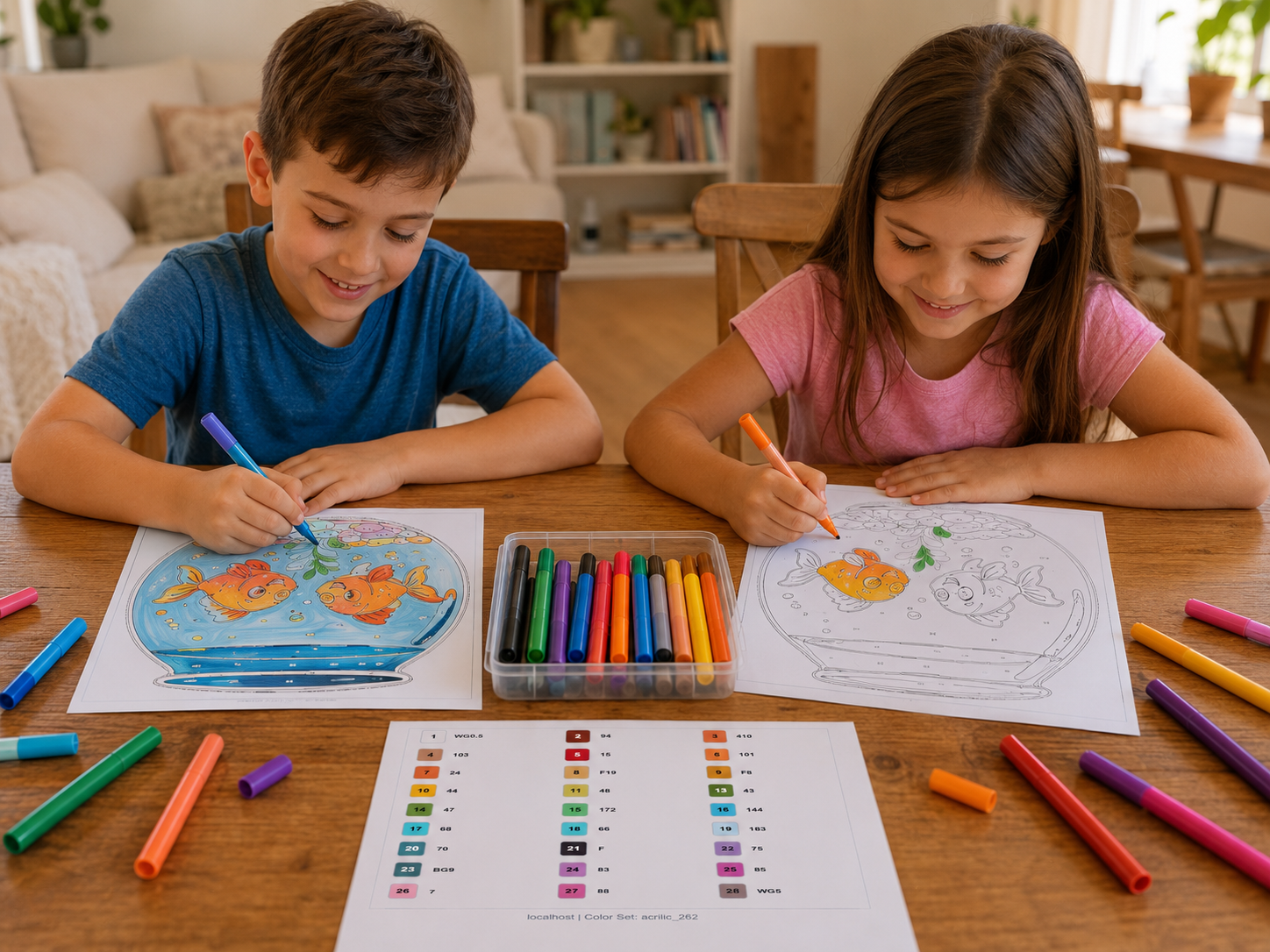
Download or print your guide, then fill it by hand with markers, pencils, acrylic paints, or mixed paints using the suggested colors.
Examples
Turn your image into paint by number style grids, contour maps, fixed-color marker guides, paint-mixing plans, or pixel-style artwork you can print and follow, including custom drawing children actually want to paint.
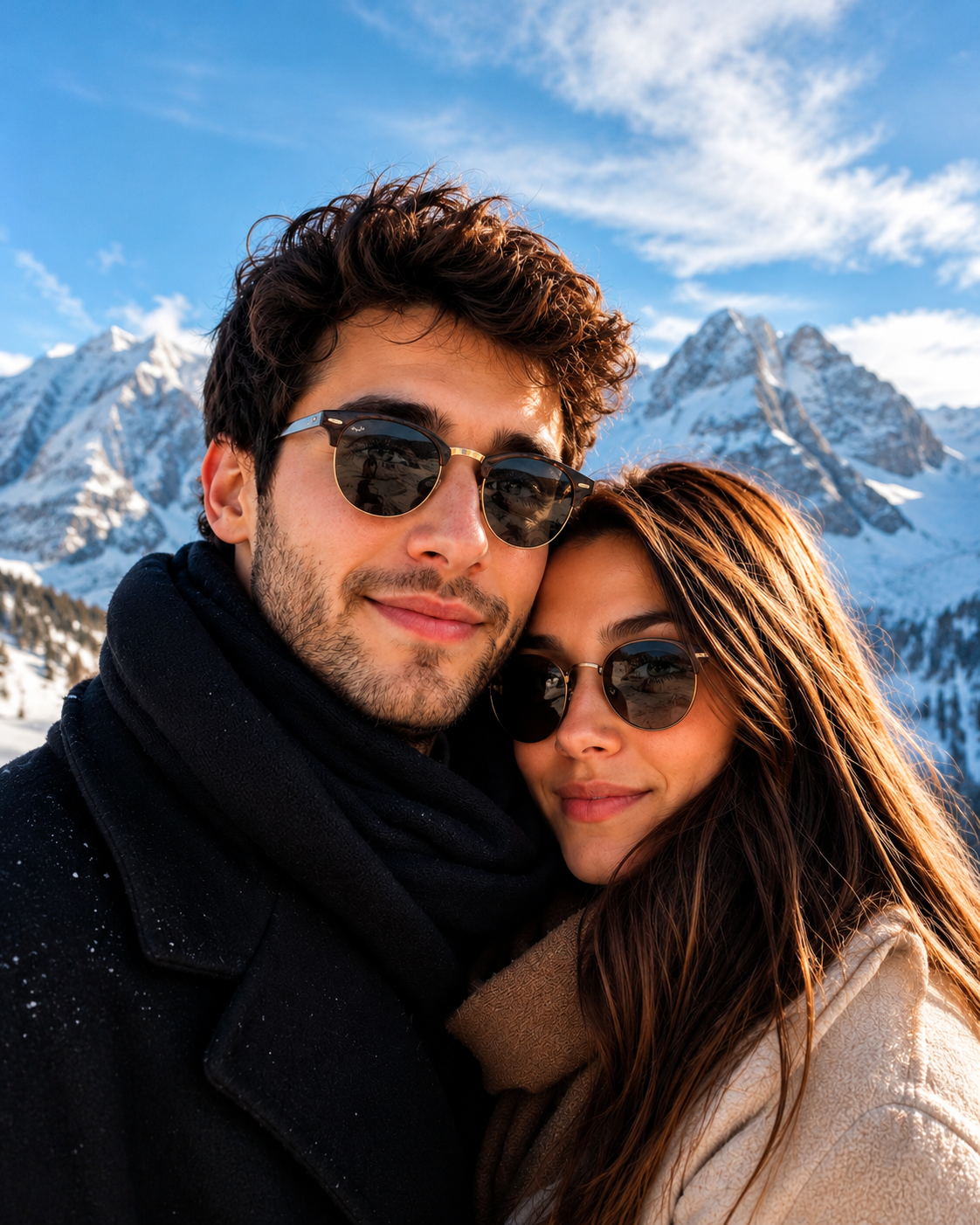
Turn faces into a printable paint by number guide with numbered cells and a clear legend.
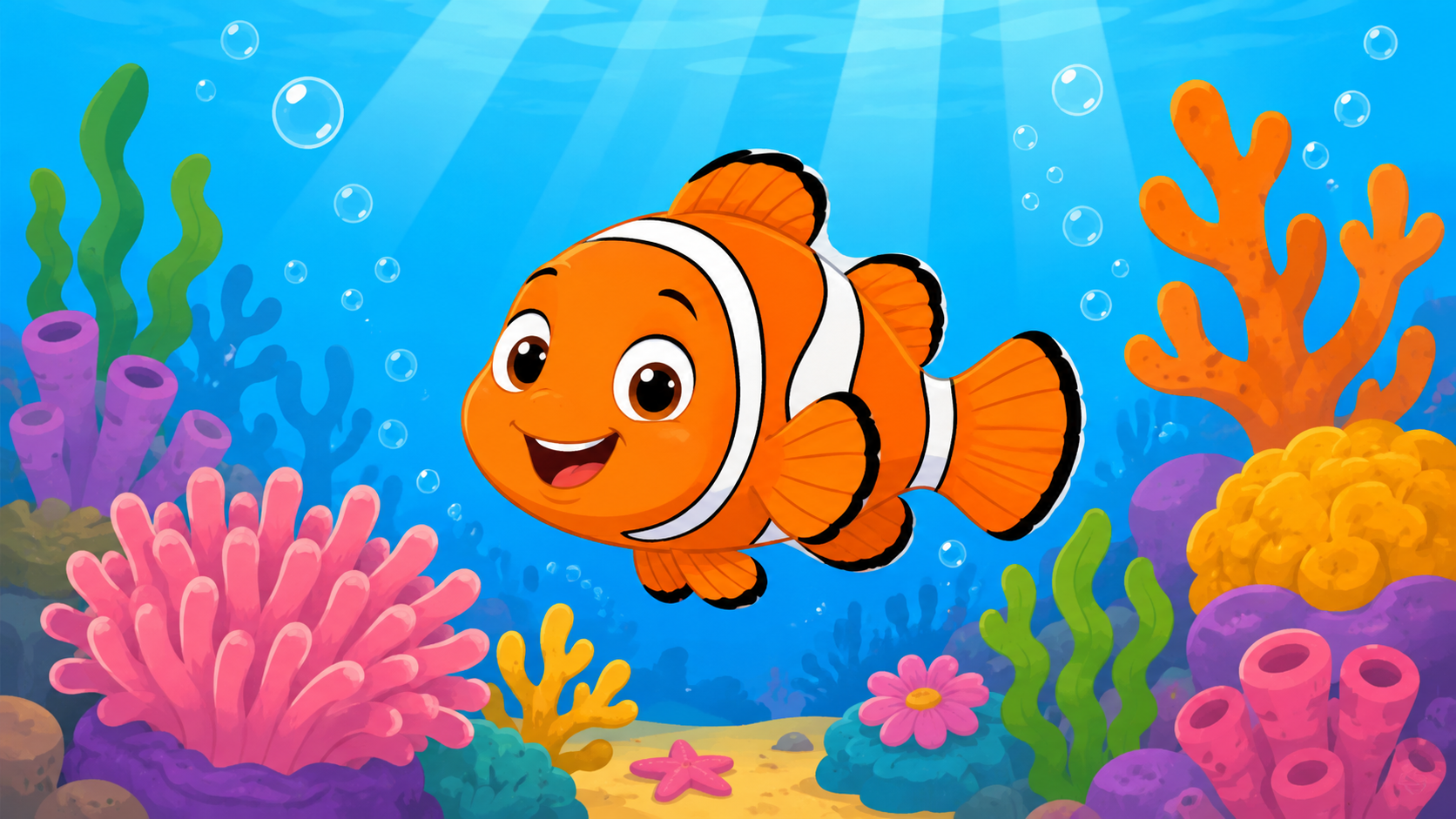
Generate a unique drawing with any AI image tool, then upload it here to turn it into a printable paint-by-number guide.
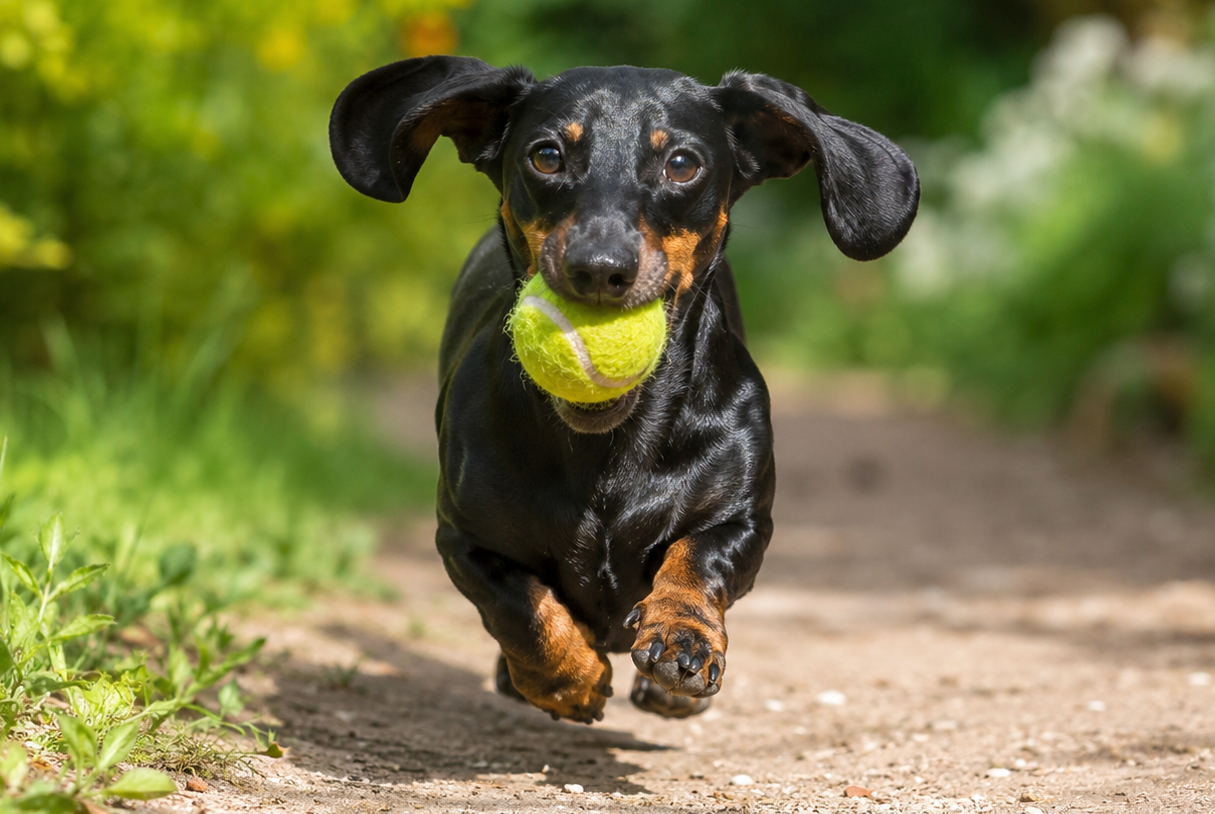
Create a personal pet painting guide with readable shapes, color regions, and printable references.
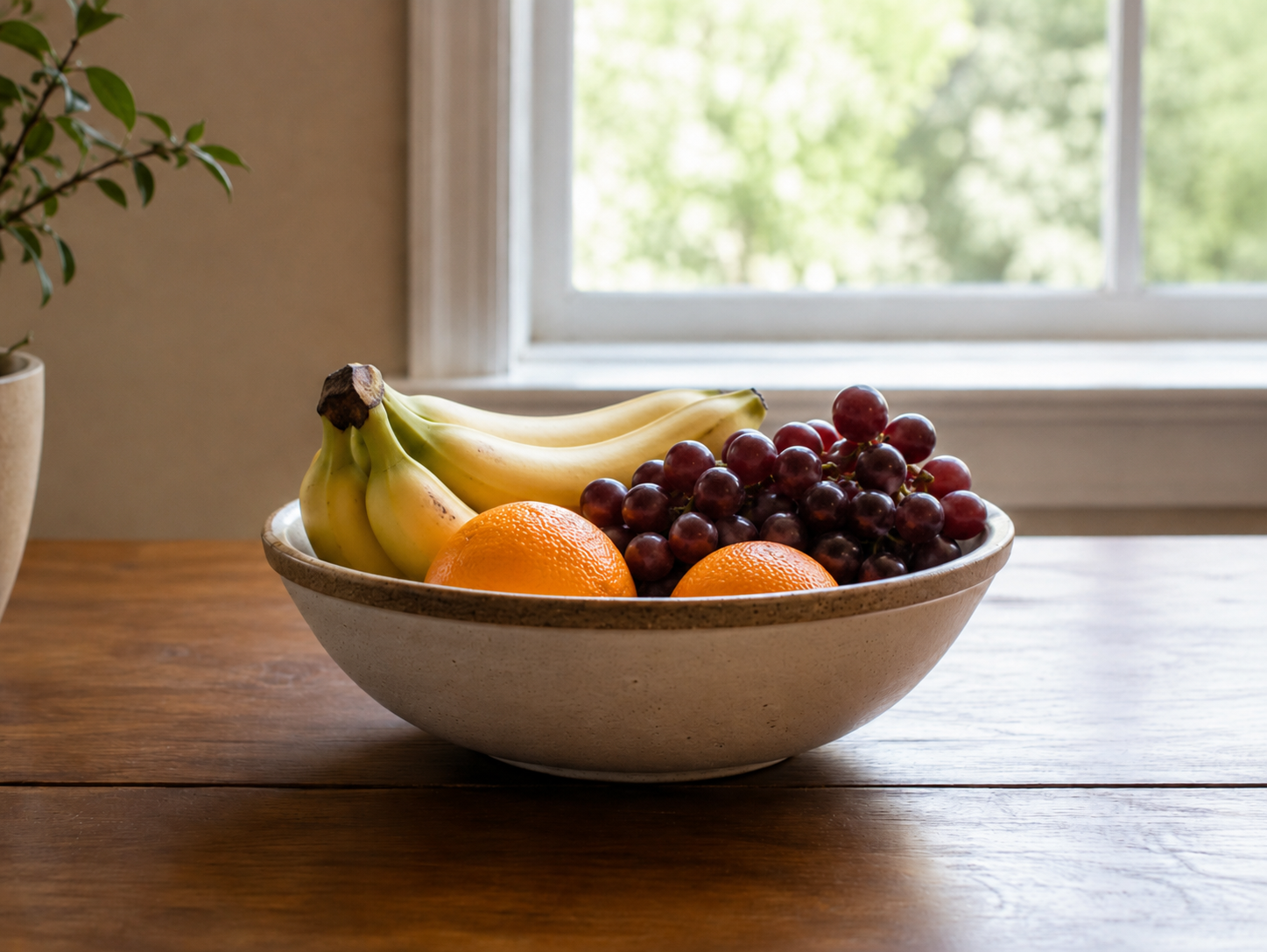
Turn a simple still life — like fruit in a bowl on a table with a window behind — into a printable paint-by-number guide.
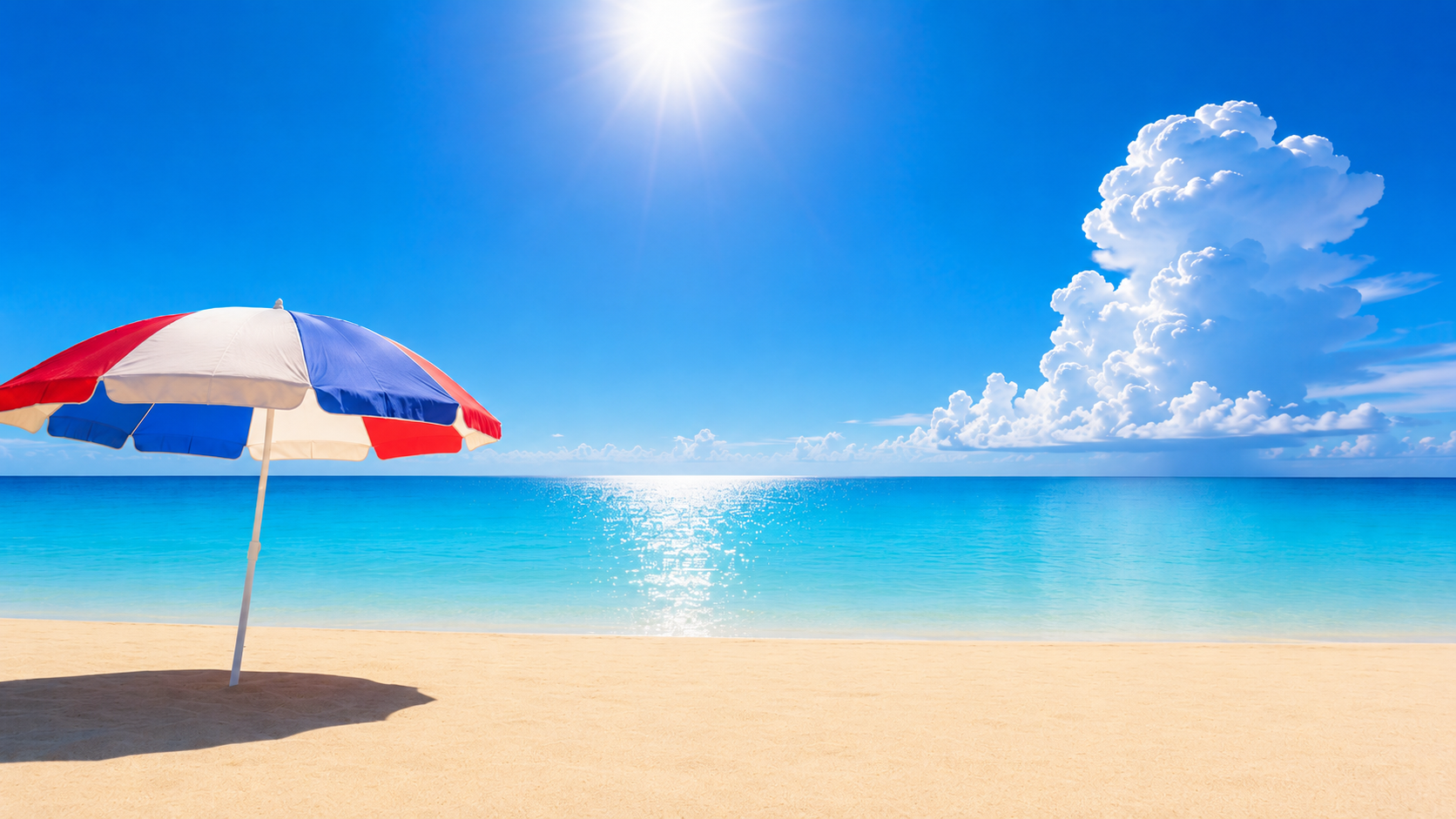
Simplify skies, hills, and backgrounds into larger regions for contour-style painting guides.
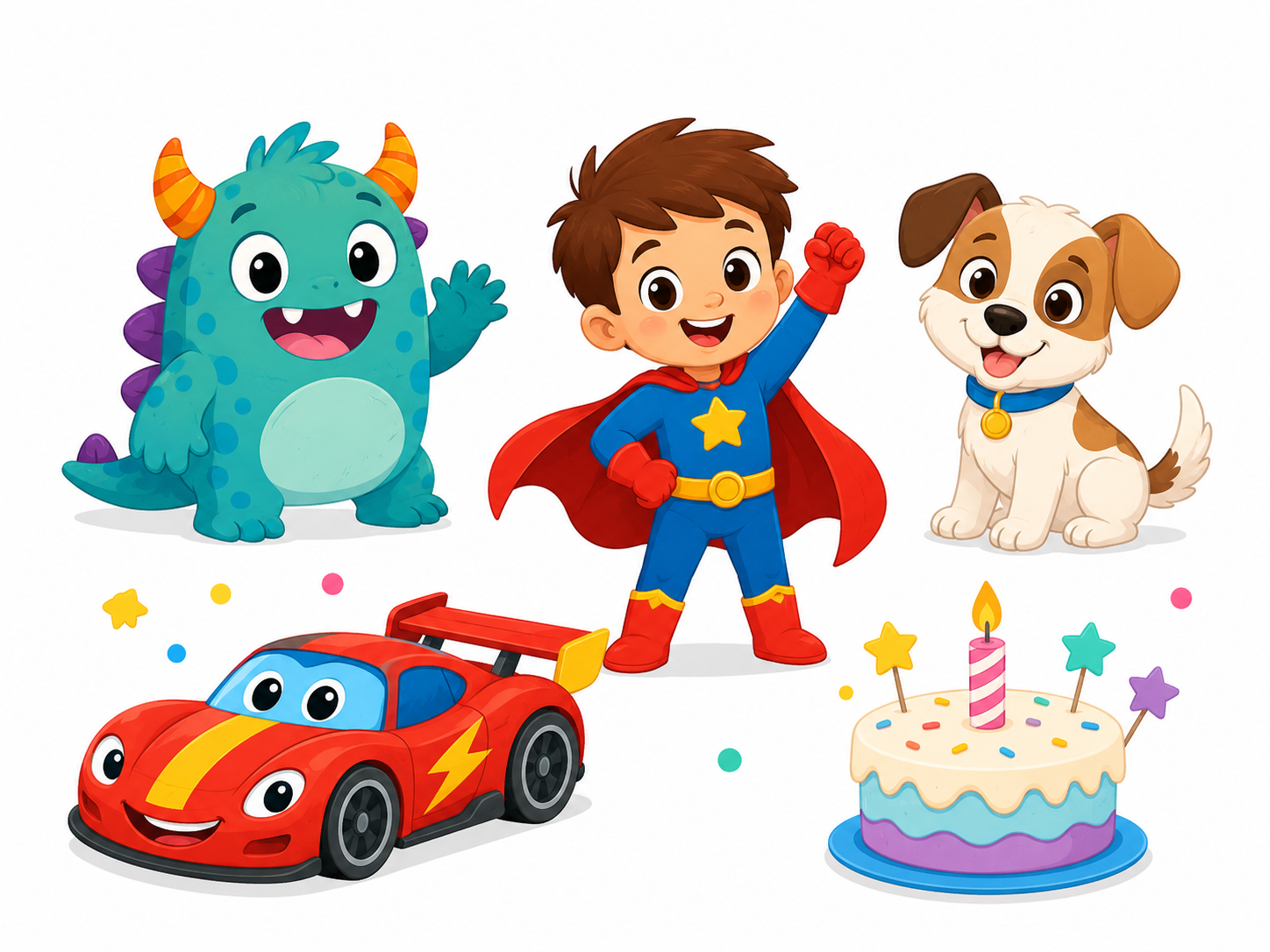
Turn a favorite character, animal, car, or cartoon-style image into a printable paint-by-number activity your child can enjoy at home.
Why people use it
Create custom guides from photos, drawings, pets, favorite characters, simple landscapes, or AI-generated images. Perfect for families, teachers, creative hobbyists, and anyone who wants a more personal painting project.
Make printable activities from the things children already love, like cartoon-style characters, animals, cars, superheroes, pets, birthdays, or family photos.
Create custom worksheets for art lessons, color practice, patience, planning, visual structure, and themed classroom projects.
Turn your own images into relaxing handmade projects, from simple paint-by-number pages to contour guides, mosaics, and physical pixel-style artwork.
Convert a favorite dog, cat, or pet photo into a personalized printable guide that feels familiar, fun, and meaningful to paint.
Create unique painting projects for birthdays, family memories, anniversaries, holidays, or special moments using images that matter.
FAQ
Everything you need to know before turning an image into a printable paint-by-number guide, numbered grid, contour map, or color reference.
Yes. Upload an image and create a printable paint-by-number style guide with numbered areas, a matching color legend, and export options for printing or saving.
Yes. You can download or print the generated numbered grid, contour map, guide, and color legend so you can paint, color, or work from paper.
For most cell-based grid formats, a Grid Detail of 75 or below is a good starting point for a single A4 page. Higher values create more cells and smaller number labels, which can be harder to read when printed. If you want more detail, consider a larger print size or splitting the output across multiple sheets. Color Contour Map is different and does not use Grid Detail.
Yes. You can create a numbered grid when you want a structured paint-by-number layout, or a Color Contour Map when you prefer smoother color regions and natural boundaries.
Yes. The editor includes built-in Color Sets, custom Color Set options, and controls for adjusting the final result. You can work with fixed colors or paint-mixing style guides depending on your project.
Yes. Fixed-color guides are especially useful for alcohol markers, brush pens, colored pencils, crayons, and other tools where you want to match each number to a limited set of ready-made colors.
Yes. Paint-mixing guides are designed for acrylics and similar paint workflows when you want suggested mixed colors instead of only ready-made marker or pencil colors.
Yes. You can save your work as a project file and reopen it later so your image, settings, edits, contour state, and generated result are available again.
Yes. You can generate pixel-style artwork, mosaic-like guides, and simplified color grids from images or illustrations, then print or export the result.
Your 30 most recent processing results are saved locally in your browser. To access them, click the clock icon above the light/dark mode switch to open the History panel. From there, you can reopen a previous version, download it, or delete it.
Yes. The editor is responsive and works on mobile devices. For detailed editing, previewing, and print setup, a tablet or desktop screen is usually more comfortable.
No. The current editor can be tried without creating an account or making a payment. Usage limits or quick human verification may apply to keep image processing available for real users.
Start creating
Open the editor, upload an image, and turn it into a printable paint by number guide, numbered grid, or contour map for markers or mixed paints.